
JPEG
Compressor
Optimize JPEG photos for the web with professional-grade compression.All processing happens 100% locally in your browser.
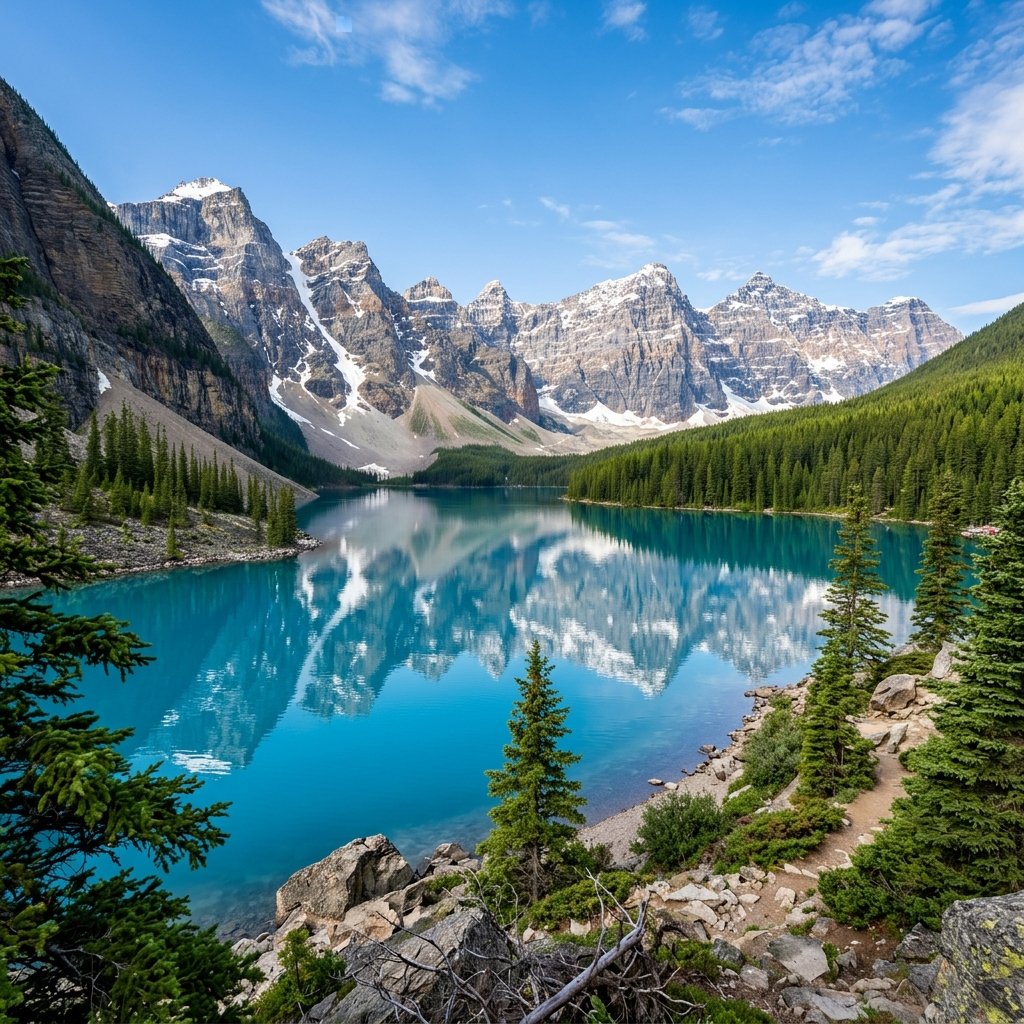 JPG
JPG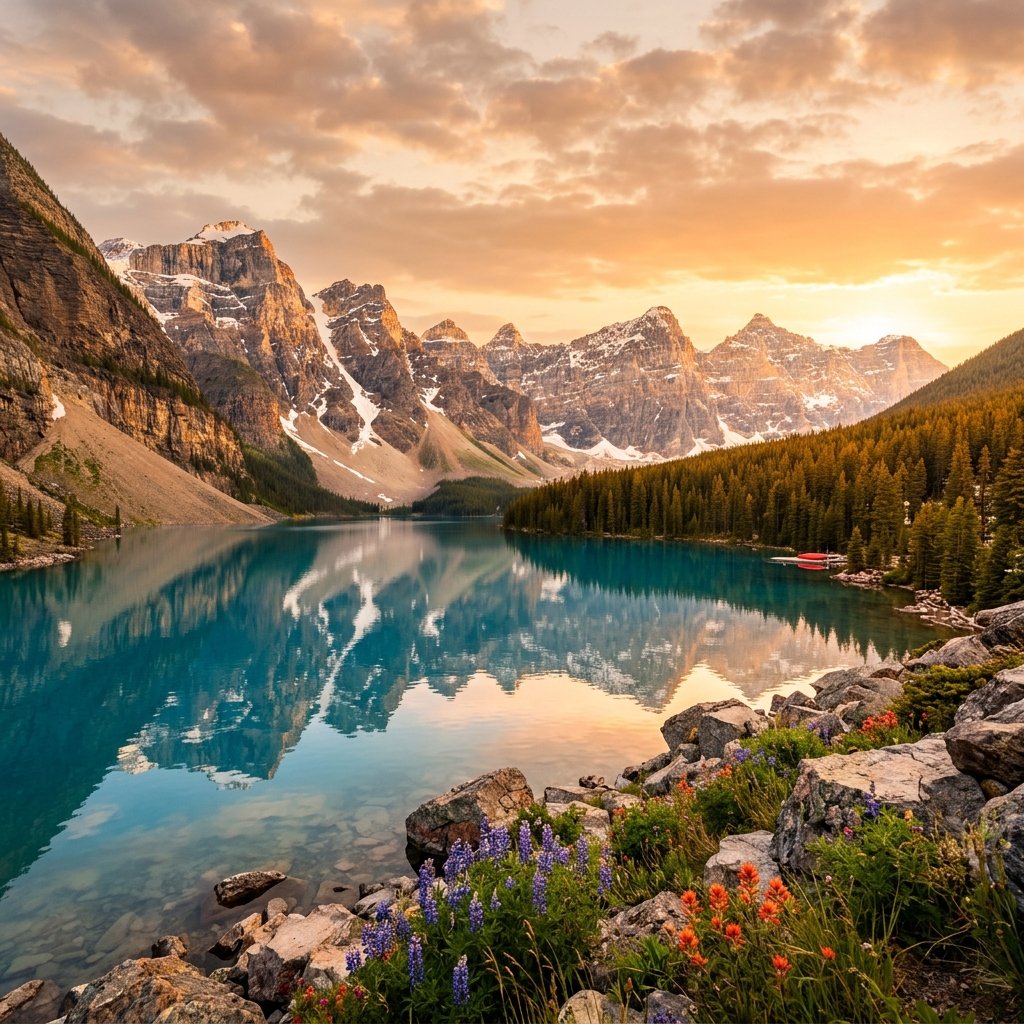 JPG
JPGPro JPEG Compressor
Compress JPG and JPEG photos with a live quality preview, so you can push the size down without crossing into visible blocky artifacts.
Quality Slider
See the tradeoff live and stop exactly where artifacts start to appear.
Photo-Optimized
Tuned for continuous-tone photography, not flat-color graphics.
100% Private
All processing happens locally in your browser. Your files never leave your device.
Instant Speed
No uploads or downloads to a server means lightning-fast processing even for large files.
JPG Compression: Getting the Quality Slider Right
JPG compression works by discarding detail the human eye barely notices — but push it too far and you get blocky artifacts around edges and muddy color banding in skies and gradients. ConvertSnap's JPG compressor gives you direct control over that quality/size tradeoff, with a live preview so you can see exactly where "aggressive" turns into "ugly" for your specific photo.
Why Photos Compress Differently Than Graphics
JPG's DCT-based compression was built for continuous-tone photography, not flat-color graphics or text. That's why a compressed vacation photo can look identical to the original at 70% quality, while a screenshot with sharp text edges shows visible artifacting at the same setting. Our tool is tuned for the photographic case JPG was designed for.
Faster Pages, Faster Email, Smaller Backups
Shrinking a batch of JPGs by 60-80% means faster page loads, email attachments that actually send, and photo backups that take less cloud storage. Because JPG has no transparency channel, there's nothing to preserve here beyond the pixels themselves — so ConvertSnap can push compression harder than it would on PNG.
Privacy First: Your Images, Your Device
Your photos are compressed locally in your browser and never uploaded to a server, keeping personal and professional images private from start to finish.
Frequently Asked Questions
Will compressing my JPG add visible artifacts?
Only if you push the quality setting too low. Our default settings are tuned to stay well within the range where compression is invisible to the eye.
Is ConvertSnap free to use?
Yes, ConvertSnap is 100% free with no hidden charges, no registration required, and no watermarks on your output files.
Are my files safe?
Absolutely. Unlike other online tools, we process your files directly on your computer using WebAssembly and Javascript. Your files are never uploaded to any server.
What is the file size limit?
Since we use your local hardware, the only limit is your browser memory and device performance. We can often handle files larger than most cloud-based competitors.
Instant Quick Converters
Instant Quick Crop
Smart Conversion Wizard
Tell us what you want to achieve, and we'll pick the right tool for you.